GoHighLevel snapshot assets
A HighLevel snapshot is a reusable configuration package; document the actual assets selected and verify the list against current HighLevel documentation.
Start with a current-state inventory for gohighlevel snapshot assets. In a controlled example where a shared snapshot is installed for a new regional client with different sender settings, specify who owns the decision and what action is permitted before implementing anything. Record test contact ID, sub-account, trigger, owner, consent state, expected branch, actual branch and timestamp. The inventory prevents a vendor, editor or automation from changing an assumption that nobody has approved. See HighLevel snapshots overview documentation.
GHL snapshot exclusions
Do not assume snapshots transfer all customer data, domain settings, phone approvals, or every integration credential; identify exclusions before deployment.
Translate that requirement into a decision rule: name the actor, event, permitted operation and expected state, then attempt one negative case. In the example of a shared snapshot is installed for a new regional client with different sender settings, a successful happy-path demo is insufficient if an unapproved role or invalid record can take the same action. Preserve the rejected test as carefully as the successful one. See HighLevel snapshot creation documentation.
HighLevel Snapshot Post-Import QA Matrix
Use the actual platform asset inventory before assuming a snapshot copies any specific integration, phone number or connected service.
| Asset / setting | Verification task | Acceptance result | Evidence |
|---|---|---|---|
| Funnel pages and forms | Open pages and submit synthetic forms | Visible and submitted as intended | Preview and form submission record |
| Pipeline and custom fields | Reconcile intended stages and field types | No unintended duplicates or missing keys | Stage inventory and synthetic opportunity |
| Workflow enrollment | Trigger normal and denied/failure paths | Correct branch, no duplicate sending | Workflow run and delivery audit |
| Calendars and appointment links | Test time zone, owner availability and notifications | Booking maps to correct calendar/owner | Synthetic booking and follow-up log |
| Phone numbers and domains | Inspect provisioning and DNS/number connections separately | Configured only through authorized settings | Platform settings and test connection |
| External integrations | Reconnect keys, webhooks and consent controls as needed | Authenticated connections and approved permissions | Connectivity test and access review |
| Client-specific override | Check template variables and locale details | No another-client values carried forward | Custom-value inventory and peer review |
Sub-account migration testing
Use a clean template sub-account and version label; test the snapshot on a disposable destination before loading it for a paying client.
Use a small repeatable test set rather than an anecdote. Include one normal record, one missing required field and one failure or rollback scenario. For sub-account migration testing, retain the input, expected result, observed result and owner of the exception. A pass/fail table is more useful to the next developer than a claim that the setup was ‘tested’.
Worked test case
Example to document, not an observed result: a shared snapshot is installed for a new regional client with different sender settings. Write the input and permitted action, test an ordinary path and one denied or failed path, then capture test contact ID, sub-account, trigger, owner, consent state, expected branch, actual branch and timestamp. If the expected and observed states disagree, keep the case open instead of changing the success criteria after the test. See HighLevel workflow documentation. Large migrations and tenant-specific integrations need more than a reusable snapshot; the custom CRM implementation pricing explains why the scope must be written separately.
Snapshot refresh workflow
After loading, replace business-specific names, domains, calendars, sender details, custom values, and timezone assumptions.
Model the failure path explicitly. Ask what happens if a dependency is unavailable, a user lacks permission, an event arrives twice, or a stakeholder rejects the proposed result. For snapshot refresh workflow, write down the next safe state and who receives the alert. A procedure that only works during a demonstration is not ready for production. See HighLevel snapshot import documentation.
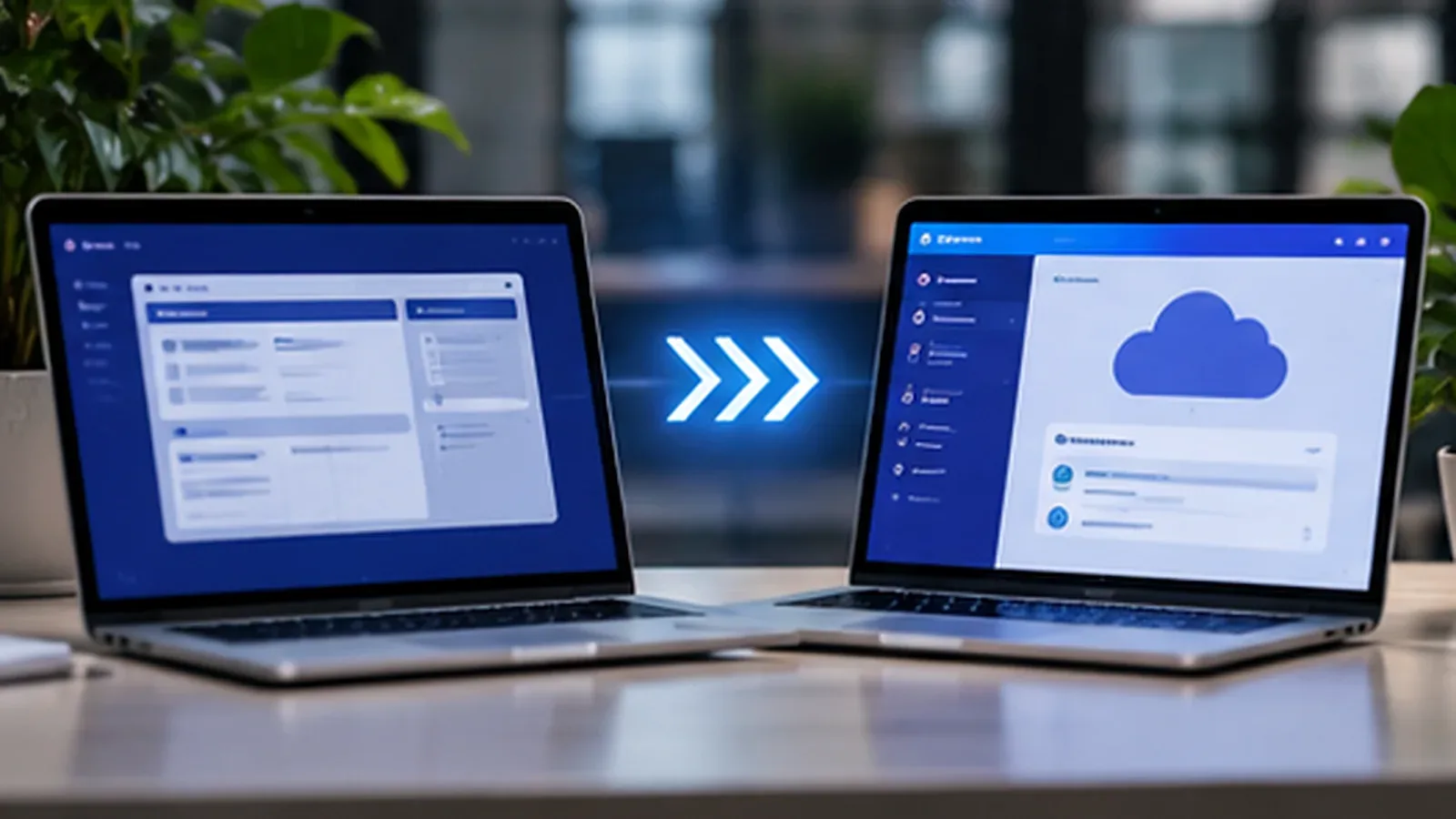
Client onboarding templates
Run functional checks on workflows, forms, funnels, messages, and pipelines in the target account, because a copied configuration may still fail in context.
A snapshot imported into a UK or Canadian client account may still contain source-account phone numbers, time zones or links. Audit these tenant-specific fields before using the template for a different market. See HighLevel custom values documentation.
Pipeline post-import QA
Record the snapshot version and local customizations so subsequent template updates do not overwrite client-specific work unintentionally.
Make the evidence easy to inspect: attach test contact ID, sub-account, trigger, owner, consent state, expected branch, actual branch and timestamp, plus the current configuration or document version. Compare against a written acceptance rule for pipeline post-import qa, and state what would make the rule fail. If a figure is a proposed target instead of a measurement, label it as a planning assumption rather than market data.
Acceptance evidence
Acceptance test: install the snapshot in a clean sub-account and reconcile the imported assets against the checklist. Test missing integrations, custom fields, pipeline triggers and tenant-specific values before approval. See HighLevel snapshots overview documentation.
Automation Acceptance Checks
Handover should include permissions, assets installed, excluded settings, test evidence, documentation, and an owner for future changes.
Close with a handover decision. Another person should be able to reproduce the example of a shared snapshot is installed for a new regional client with different sender settings using the approved instructions, without privileged knowledge from the original implementer. List the open exceptions and the owner responsible for them; a release is not complete just because a page, workflow or code change shipped. See HighLevel snapshot creation documentation.
Continue with the related implementation guides and Pixel Flow Solutions resources:
Home Builder Lead Follow-Up: CRM Workflow Checklist (upcoming guide)
Go High Level Tracking Code: GA4 and Meta QA (upcoming guide)